
 TAKE 01
Creator Studio Australia's digital talent.
The creators Australia actually watches.
Evergreen guides for the people building audiences from here: platform craft, gear, money, rules and wellbeing, written to be useful on day one and still true next year.
Set the light
Neutral, 4300K at 78%
Scene 02 Format picker
Pick a format. Get the frame.
The shape, size and safe areas for the formats creators use most. Platforms change their limits from time to time, so treat these as a starting point and check each platform's own help centre before you publish.
Vertical short video
Where it lives: TikTok, Instagram Reels, YouTube Shorts and Facebook Reels.
- Aspect ratio
9:16portrait, filling the phone screen- Resolution
1080 x 1920px is the common upload size- Length
- Short by design. Most clips run well under a minute, and each platform sets its own maximum
- Keep clear
- The bottom fifth and the right edge, where captions, names and buttons sit over the video
Studio tip. Earn the first three seconds. Say the promise out loud and put it on screen before anything else.
Read next
Long form video
Where it lives: YouTube, Vimeo, Facebook and most websites.
- Aspect ratio
16:9landscape- Resolution
1920 x 1080(HD) or3840 x 2160(4K)- Thumbnail
1280 x 720px, readable at the size of a postage stamp- Keep clear
- Titles inside the inner 90 per cent; the lower corner often carries player controls and end screens
Studio tip. A clear first minute and chapters do more for watch time than a longer intro.
Read next
Livestream
Where it lives: YouTube Live and Twitch, plus phone first vertical live on TikTok and Instagram.
- Aspect ratio
16:9for desktop streams;9:16for phone first live- Resolution
1920 x 1080at 30 or 60 fps, or1280 x 720when upload speed is tight- Connection
- Wired internet where you can, with headroom above your stream bitrate
- Keep clear
- One side and the top corner, where chat overlays and alerts usually sit
Studio tip. Run a private test stream first, and check audio levels and the chat layout before you go public.
Read next
Podcast
Where it lives: Apple Podcasts, Spotify, YouTube and podcast apps.
- Cover art
3000 x 3000px square; Apple Podcasts asks for 1400 to 3000 px- Audio
- MP3 or AAC; a steady, consistent level matters more than exotic settings
- Loudness
- Around
-16 LUFSintegrated is a widely used target for stereo shows - Keep clear
- Fine print on the cover: it shows tiny in apps, so use a big title and few words
Studio tip. Record a minute, play it back on cheap earbuds, then fix the room before you fix the microphone.
Read next
Photo carousel
Where it lives: Instagram, LinkedIn document posts and Facebook.
- Aspect ratio
4:5portrait fills the most feed space;1:1square works everywhere- Resolution
1080 x 1350px portrait or1080 x 1080px square- Slides
- Several per post; the app shows the current limit when you build one
- Keep clear
- The bottom edge, where the slide dots and the caption preview sit
Studio tip. Slide one is the hook and the last slide is the call to action. Every slide in between earns the next swipe.
Read next
Written post
Where it lives: Newsletters, blogs, LinkedIn articles and link previews everywhere.
- Preview image
1200 x 630px (1.91:1) for link cards on most networks- Headline
- Short enough to read whole inside a link card
- Structure
- Short paragraphs, descriptive subheads, one idea per section
- Keep clear
- The outer edges of the preview, which networks crop differently
Studio tip. Write the headline or subject line last, once you know what the piece actually says.
Read next
Scene 03 Call sheet
Eight sections. 210 evergreen reads.
Every guide in the library sits in one of eight sections. Open a slate to start at the top of that section.


Scene 04 On the monitor
Start with these.

Money and brand deals
Setting your rates as a new creator
Pricing your own work is one of the more uncomfortable early tasks a creator faces, partly because there is no single universal formula that applies to everyone equally, since rates depend on...
Read the featurePhoto: Gold ring with diamonds and garnets 1 by W.carter (CC BY-SA 4.0), via Openverse
Getting started1 MIN
Picking a creator name you can grow into
A name is one of the few early decisions that becomes genuinely expensive to change later, so it deserves more...
Getting started2 MINFinding your niche before you find your audience
It is tempting to chase an audience first and work out the niche later, but the order usually works better reversed...
Getting started1 MINThe first ten posts: building a body of work
The first ten pieces of content rarely define a creator for good, but they quietly teach the creator what they are...
Getting started2 MINSetting up a simple content calendar
A content calendar sounds a little like corporate furniture, but for a working creator it is really just a memory aid...
Getting started2 MINChoosing your first platform as a new creator
Every creator faces the same first decision, and it often feels bigger than it actually is: where should you begin...
Audience building1 MINBuilding a community, not just a following
A following is simply a list of people watching quietly from a distance, while a community is something they actively...
Platform craft1 MINWriting hooks that earn the first three seconds
A hook is a promise, not a trick played on an unsuspecting viewer, and the strongest ones state clearly what a viewer...
Getting started1 MINWriting a bio that tells people what you actually do
A profile bio is read in mere seconds, so it has to work harder than almost anything else you will ever write for...
Gear and setup1 MINBuilding a first home studio on a budget
A first studio does not need a dedicated room or any expensive furniture to work well, and a quiet corner near a...
Audience building1 MINTurning viewers into subscribers
A viewer who watches once but never subscribes has essentially been forgotten by the platform's own memory of them...
Gear and setup1 MINSetting up a simple backdrop
A backdrop does not need to be elaborate or expensive in order to work well on camera, and a plain, uncluttered wall...
Gear and setup1 MINChoosing a microphone for clear audio
An external microphone, even a fairly inexpensive one, is usually the single most impactful purchase a new video...
Scene 05 Studio kit
Light, sound, edit.
Three habits matter more than any one piece of gear. Each card links to the guides that go deeper.
Light
Face a window or a soft lamp, keep the light in front of you and a little above eye level, and switch off overhead lights that throw shadows under your eyes.
Sound
Viewers forgive soft video long before muddy audio. Get the microphone close, record in a room with soft furnishings, and listen back on headphones.
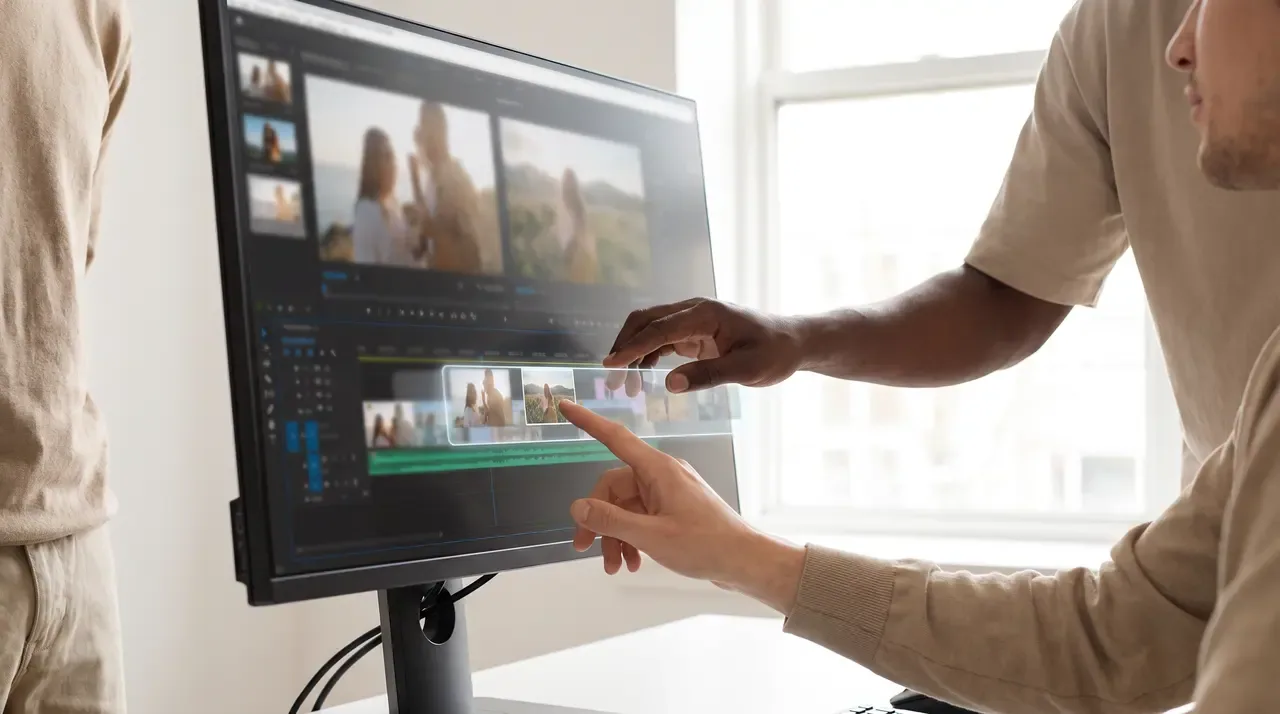
Edit
Cut the slow start, keep a steady rhythm and caption your clips, because plenty of people watch with the sound off.
That's a wrap The library
Looking for something specific?
Search all 210 guides by title, section or topic.
Photo credits for this page (Creative Commons, via Openverse)
- Photo: Aurora Mosaic from the Geomagnetic Storm of November 11-13, 2025 (SVS31374 - gridlines) by NASA's Scientific Visualization Studio - Global Science and Technology, Inc./Mar (Public domain), via Openverse
- Photo: Aurora Mosaic from the Geomagnetic Storm of November 11-13, 2025 (SVS31374 - vert gridlines) by NASA's Scientific Visualization Studio - Global Science and Technology, Inc./Mar (Public domain), via Openverse
- Photo: Equipo de fotografía subacuática para objetivo macro, 2021-10-12, DD 02 by Diego Delso (CC BY-SA 4.0), via Openverse
- Photo: Lensgrevinde Fritze Frijs by Unknown authorUnknown author (Public domain), via Openverse
- Photo: Frances Ring and Thomas Meighan Studio Light Magazine 1921 by C. Heighton Monroe (Public domain), via Openverse
- Photo: Gold ring with diamonds and garnets 1 by W.carter (CC BY-SA 4.0), via Openverse
- Photo: Lana Turner and John Garfield by MGM (Public domain), via Openverse